Extend Your Free Trial
Written by Kanstantsin HaletsLast updated 10 August 2026
#Overview
The Extend Free Trial feature gives you more time to explore itemit after your initial 14-day free trial. You can extend your trial for an additional 7 days, giving you extra time to explore your workspace and decide whether itemit is right for you.
During your extended trial, you can:
Continue exploring your workspace without interruption
Access helpful guidance, demo videos, and support
Keep track of your remaining trial time with a visible countdown timer
Upgrade to a paid plan at any time if you’re the Workspace Owner
#What You Can Do During Your Extended Trial
Your 7-day trial extension gives you extra time to explore itemit and get familiar with your workspace.
During your extended trial, you can:
Continue exploring itemit and its workspace features
Watch helpful demo videos to learn more about key features
Contact the itemit team if you need help or have any questions
Receive helpful guidance and updates throughout your extended trial
#Starting Your Free Trial
When you create a new account and workspace in itemit, your 14-day free trial starts automatically.
During your free trial, you can explore the features available in your workspace based on your assigned role.
#When Your Free Trial Ends
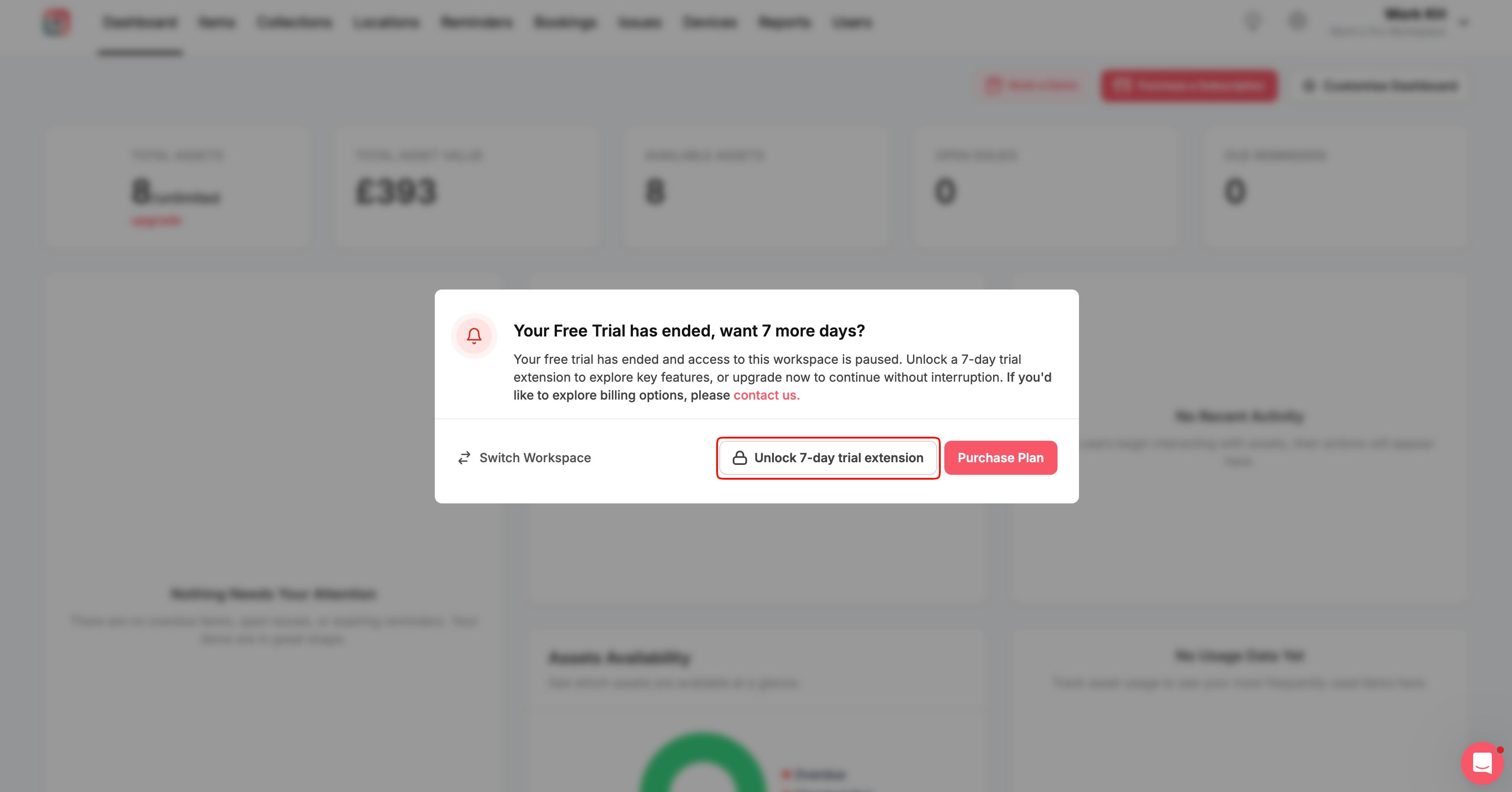
At the end of your 14-day free trial, you’ll see the following message:
“Your Free Trial has ended, want 7 more days?”
If you’re the Workspace Owner, you can choose to:
Unlock a 7-day trial extension to continue exploring itemit
Switch Workspace to access another workspace
Purchase a plan to continue using your workspace
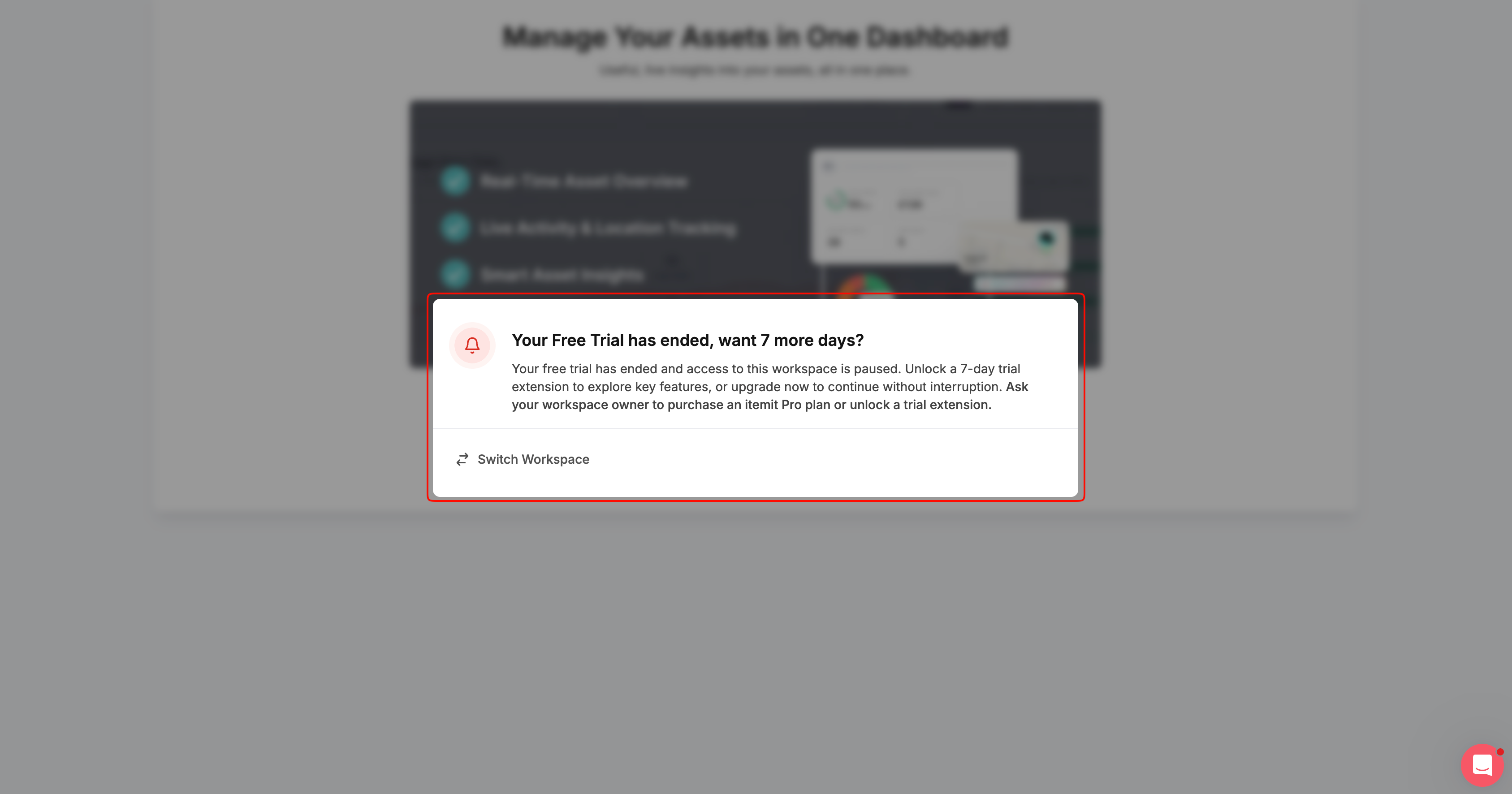
If you’re an Admin, Standard, VSC, or Scan Only (mobile app only) user, you can only Switch Workspace.
The options to unlock the 7-day trial extension or purchase a plan are only available to the Workspace Owner.
#Extending Your Free Trial
If you’re the Workspace Owner, select Unlock 7-day trial extension to extend your free trial by an additional 7 days.
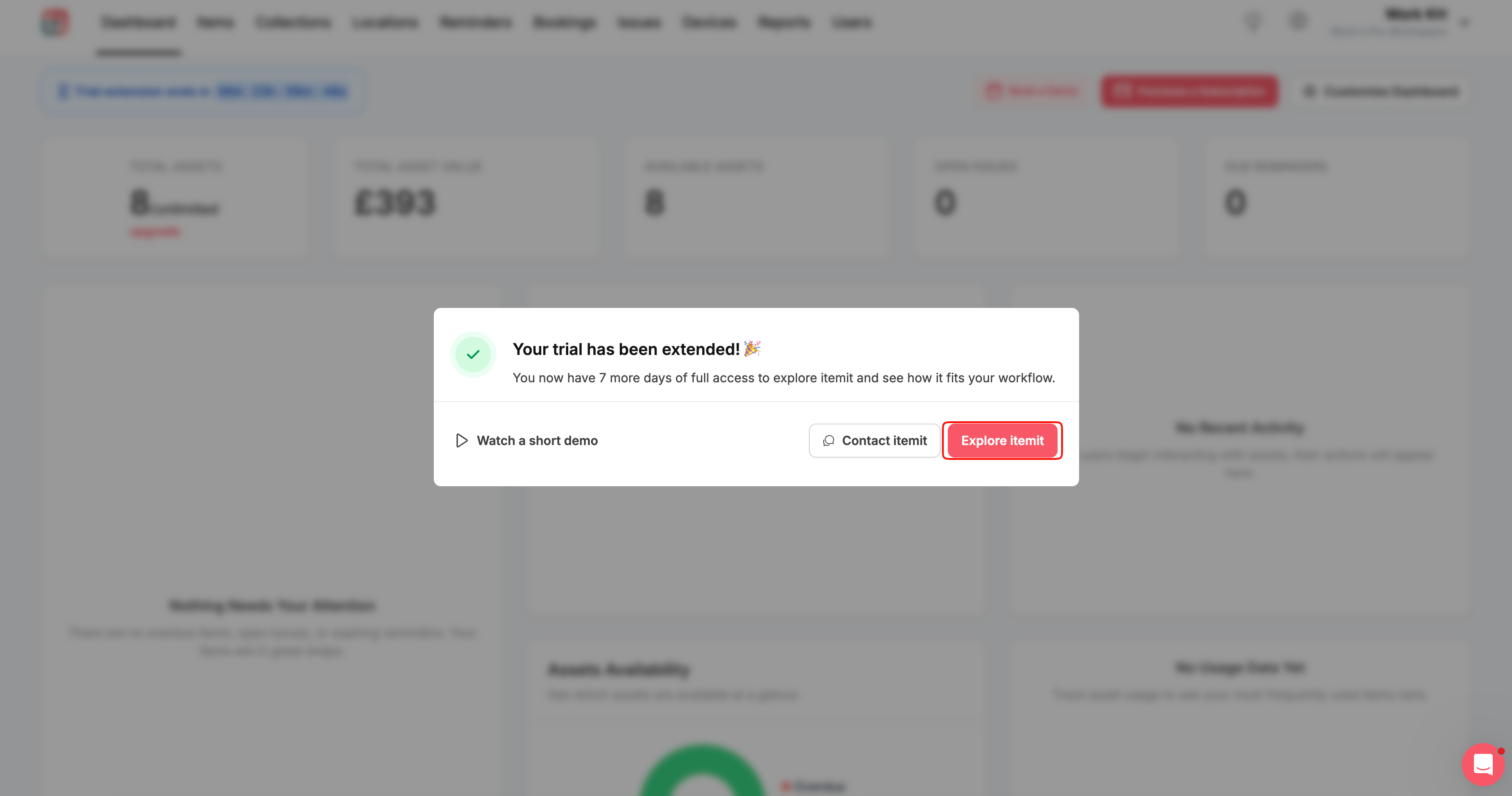
Once your trial has been extended, you’ll see the confirmation:
“Your trial has been extended! 🎉”
You can then choose to:
Watch a short demo to explore helpful walkthroughs and learn more about itemit features
Contact itemit if you have any questions or would like support
Explore itemit to return directly to your workspace
If you’re an Admin, Standard, VSC, or Scan Only (mobile app only) user, you’ll automatically return to your workspace once the trial has been extended.
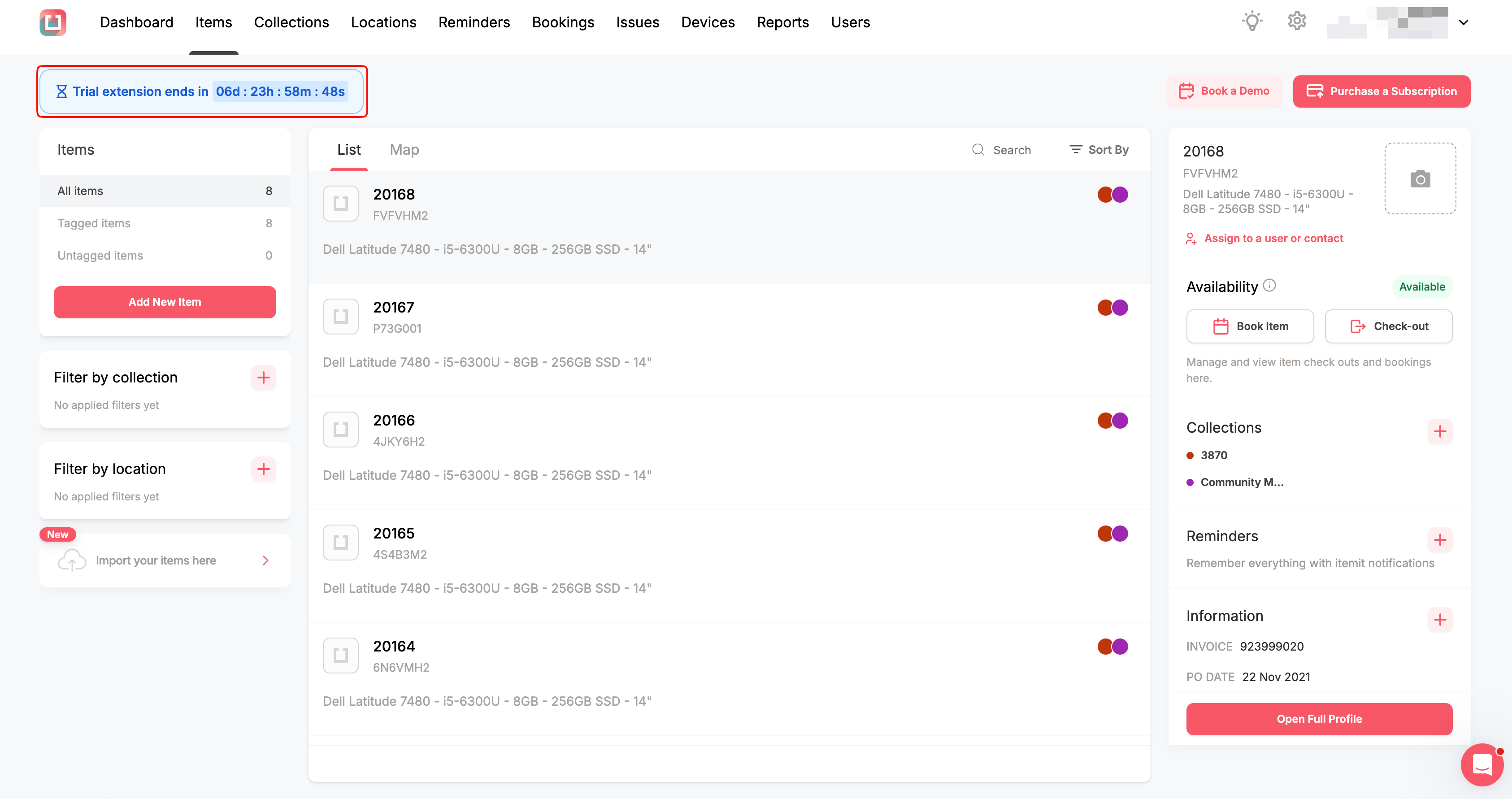
You’ll see a countdown banner showing how much time is left in the extended trial:
“Trial extension ends in: d: h: m: s”
#When Your Extended Trial Ends
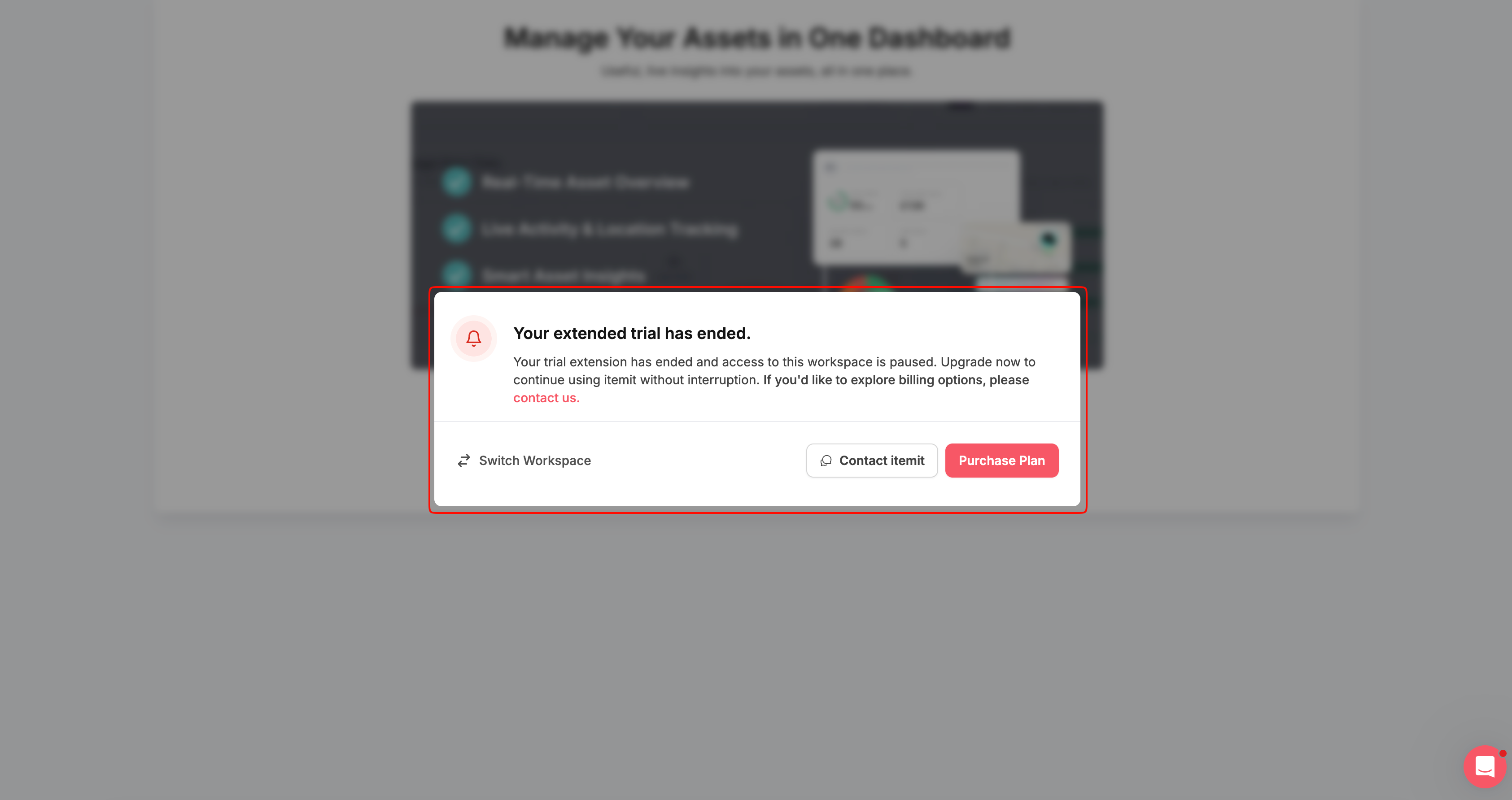
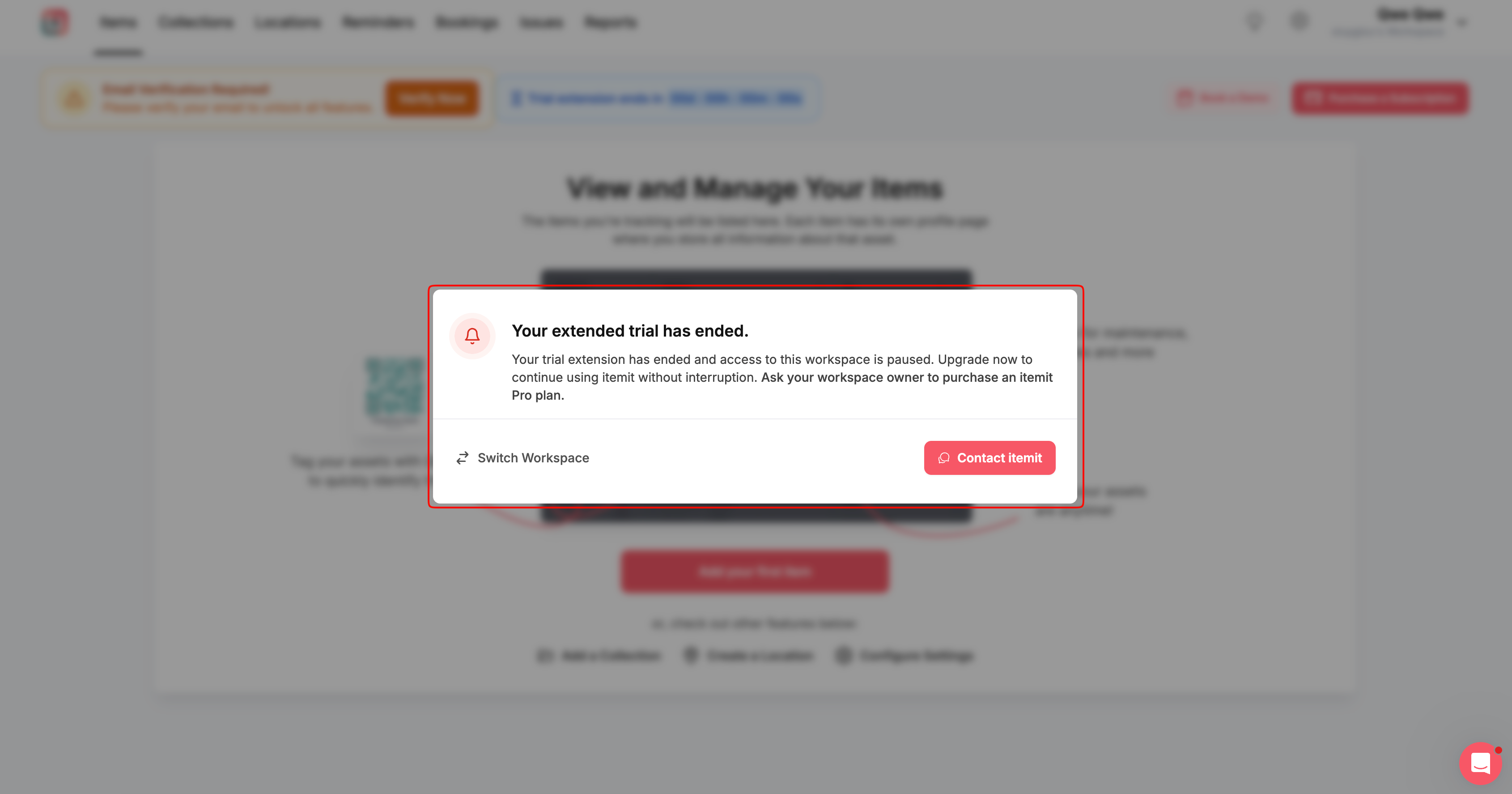
When your 7-day trial extension ends, you’ll see the following message:
“Your extended trial has ended.”
If you’re the Workspace Owner, you can choose to:
Switch Workspace to access another workspace
Contact itemit if you need help or have any questions
Purchase a plan to continue using your workspace
If you’re an Admin, Standard, VSC, or Scan Only (mobile app only) user, you can:
Switch Workspace to access another workspace
Contact itemit if you need help or have any questions
Only the Workspace Owner can purchase a plan.
#Trial Notifications
During your free trial and trial extension, you may see notifications to help you keep track of your trial status.
These include:
Popup notifications when your initial 14-day free trial ends and when your 7-day trial extension is successfully activated
An in-app countdown banner showing how much time is left in your extended trial:
“Trial extension ends in: d: h: m: s”Email notifications with helpful updates and information about your trial
#Your Trial at a Glance
Trial stage | What happens | What you can do |
Your 14-day trial ends | You’ll see: “Your Free Trial has ended, want 7 more days?” | Workspace Owner: Extend the trial by 7 days, switch workspace, or purchase a plan. Admin, Standard, VSC, or Scan Only (mobile app only): Switch workspace. |
Your trial is extended | Once the Workspace Owner activates the extension, you’ll see: “Your trial has been extended! 🎉” | Watch a short demo, contact itemit, or return to your workspace. |
During your 7-day extension | A countdown banner shows how much time is left: “Trial extension ends in: d: h: m: s” | Continue exploring the features available to you in your workspace. |
Your extended trial ends | You’ll see: “Your extended trial has ended.” | Workspace Owner: Switch workspace, contact itemit, or purchase a plan. Admin, Standard, VSC, or Scan Only (mobile app only): Switch workspace or contact itemit. |